Play the classics right in your browser.
Choose the console, open a game you own, and you're set. Alone or with friends, anywhere.
See all consoles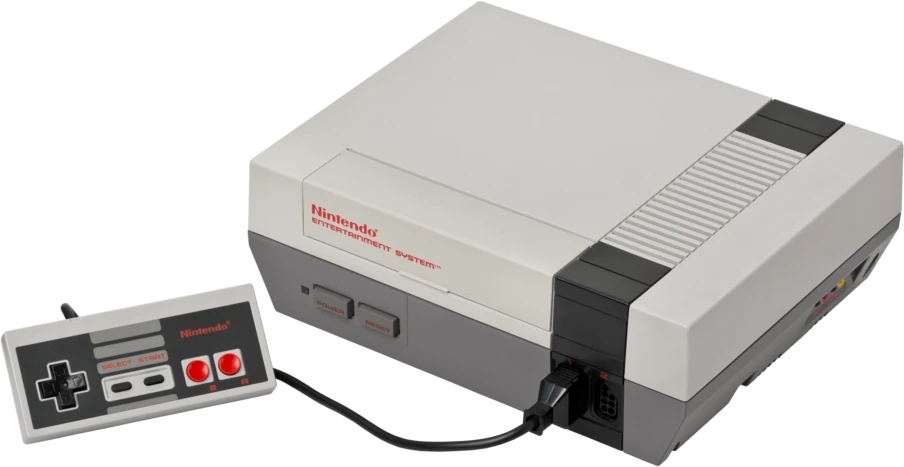
Keep playing
Play with friends, each in your own home
- 1Open the game and tap Play with friends.
- 2Send the link to whoever is playing.
- 3Everyone opens the same game on their own device, and the match begins.
Open rooms now
All consoles
-
 NES1983
Nintendo (NES)
-
 SNES1990
Super Nintendo (SNES)
-
 GB1989
Game Boy and Game Boy Color
-
 GBA2001
Game Boy Advance (GBA)
-
 N641996
Nintendo 64
-
 NDS2004
Nintendo DS
-
 PS11994
PlayStation (PS1)
-
 MD1988
Sega Genesis / Mega Drive
-
 SMS1985
Sega Master System
-
 GG1990
Sega Game Gear
-
 SG1983
SG-1000
-
 SAT1994
Sega Saturn
-
 DC1998
Sega Dreamcast
-
 PCE1987
TurboGrafx-16 / PC Engine
-
 PCFX1994
PC-FX
-
 VB1995
Virtual Boy
-
 26001977
Atari 2600
-
 52001982
Atari 5200
-
 78001986
Atari 7800
-
 JAG1993
Atari Jaguar
-
 LYNX1989
Atari Lynx
-
 CV1982
ColecoVision
-
 NGP1998
Neo Geo Pocket and Pocket Color
-
 WS1999
WonderSwan and WonderSwan Color
-
 PM2001
Pokémon Mini
-
 SV1992
Watara Supervision
-
 MDK1993
Mega Duck
-
 ARC1990
Arcade
How it works
-
1
Choose the console
Each game belongs to a console: NES, Game Boy, PlayStation…
-
2
Open the game
Choose the game file on your device or drag it onto the screen. It never leaves your device.
-
3
Play
On the keyboard, a controller, or the on-screen buttons. Your progress is saved in the browser.
Frequently asked questions
Do I need to install anything?
No. The emulator opens right in the browser, on your computer or phone.
What is the game file?
It's the digital copy of a cartridge or disc, the same one a real console would read. You open a game that's already on your device, and it stays with you.
Does my file go to any server?
No. The file is read by the browser and stays only on your device.
Is my progress saved?
Yes. Saves are kept in the browser itself, on the device you played on.
Can I play with a controller?
Yes. USB and Bluetooth controllers work in the browser, and you can navigate the whole site with the controller. On phones, buttons appear on the screen.
Does it work offline?
Yes. Once you open a console with internet, it and the last 5 games you opened stay on the device and open without a connection.
Can I install it as an app?
Yes. On Android and computers, use the Install button at the top or the browser menu. On iPhone, tap Share and then Add to Home Screen.